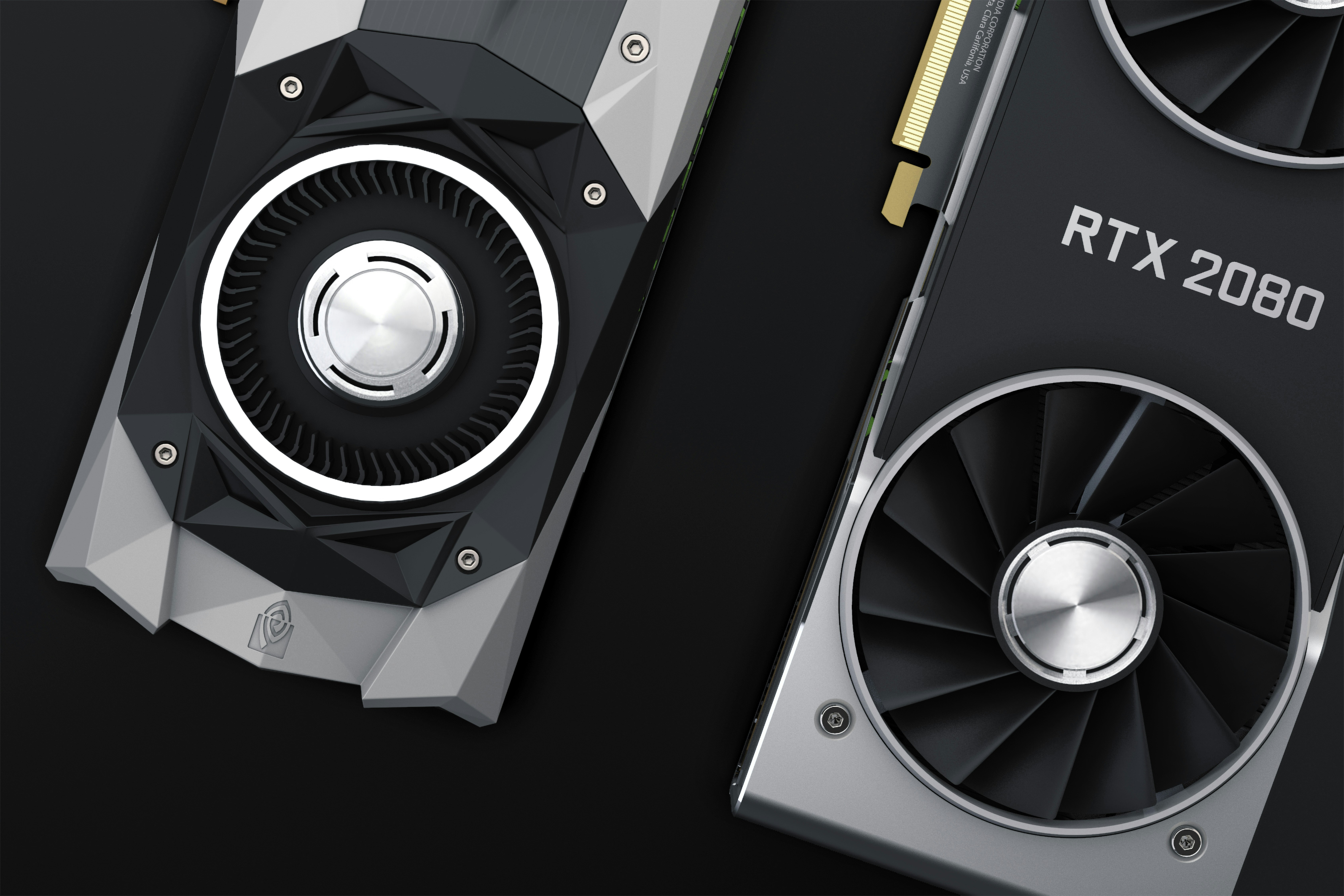
A 24GB GPU is the sweet spot for local coding AI in 2026 — big enough for genuinely capable models, small enough to fit on one card. Here's exactly which models to run, why, and how to set them up.
Best Local LLM for Coding on a Single 24GB GPU
Twenty-four gigabytes of VRAM is the point where local coding AI stops feeling like a compromise. Below that, you're constantly trading quality for speed. Above it, you're usually into multi-GPU territory most people don't have. Right at 24GB — an RTX 3090, RTX 4090, or similar card — you can run genuinely capable coding models, hold a real context window, and still get fast responses.
This guide covers which models are actually worth running on that hardware in 2026, what each one is good at, and how to set your quantization so you're not leaving performance on the table.
Why 24GB Is the Sweet Spot
At Q4 quantization, a 24GB card comfortably fits models in the 27B-32B dense parameter range, or larger Mixture-of-Experts (MoE) models that only activate a fraction of their total parameters per token. That's enough headroom to run a strong coding model plus a reasonable context window — something that's simply not possible on 8-16GB cards without dropping to much smaller, noticeably weaker models.
The honest caveat: the true frontier coding models in 2026 — the ones topping open agentic-coding leaderboards — are 700B-1T parameter MoE models that need 200GB+ even at aggressive quantization. Those need a multi-GPU rig or a very-high-memory Mac Studio, not a single 24GB card. This guide focuses on what actually fits and performs well on one card, not what tops a leaderboard you can't run.
The Top Picks for 24GB
Qwen3-Coder-Next (best overall for agentic coding):
A Mixture-of-Experts model that only activates a subset of its parameters per generation, which is why it can run on a single 24GB card even though its full weights are much larger on disk
Scores strongly on SWE-bench Verified — a benchmark that hands a model a real bug report from an open-source project and checks whether its patch actually passes the existing tests
Ships with a very long context window, which matters for agentic workflows that need to read and reason across multiple files
Best suited for: multi-step coding tasks, autonomous bug fixing, and workflows where the model needs to plan before it writes code
Qwen3.6-27B (Reasoning) (best all-around chat and refactoring):
A dense model that punches well above its parameter count on reasoning and coding benchmarks
The "reasoning" variant meaningfully outperforms the non-reasoning baseline on the same architecture, so it's worth enabling if your tool supports it
Comfortable to run at Q4_K_M with plenty of VRAM left over for a 32K-64K context window
Best suited for: day-to-day chat-style coding help, refactors, and explaining unfamiliar code
Qwen2.5-Coder 32B (best for fill-in-the-middle autocomplete):
Still considered the standard for tab-complete style suggestions as you type, even with newer general-purpose models available
Not built for multi-step agentic tasks — it's optimized specifically for fast, accurate fill-in-the-middle completions
Pairs well with a separate agentic model: use this one for autocomplete, and Qwen3.6-27B or Qwen3-Coder-Next for chat and larger tasks
Gemma 4 26B A4B (best for speed):
A MoE model with only around 4B active parameters per token, which makes it noticeably faster than dense models of similar overall size
Trades some raw coding benchmark score for a much snappier feel, especially useful if you want suggestions to appear before you finish reading the prompt
Best suited for: fast back-and-forth chat, quick code explanations, and situations where latency matters more than squeezing out the last few points of benchmark accuracy
Devstral Small and Codestral (solid mid-tier alternatives):
Both are commonly recommended as a comfortable fit for 24GB setups without requiring aggressive quantization tricks
A reasonable choice if you want a well-established model with broad tool support rather than the newest release
Quantization: Don't Skip This
Quantization is what makes a 27B-32B model fit on a 24GB card in the first place. The practical guidance:
Use Q4_K_M as your default — it reduces model size by roughly 75% compared to full precision with minimal quality loss, and it's what Ollama and LM Studio both use by default for their official model libraries
If you're tight on VRAM because you want a longer context window, Q4_K_S trades a small amount of quality for a bit more headroom
Don't go below Q4 unless you've specifically tested that the drop in quality is acceptable for your use case — quality tends to fall off noticeably below that point
Context Window: Start Smaller Than You Think
A big advertised context window is a ceiling, not a target. Loading a huge portion of it consumes a lot of KV cache memory, which competes directly with the model weights for your 24GB budget. Practical starting points:
Start with an 8K-32K context window and only increase it once you've confirmed your setup handles it at acceptable speed
On a 24GB card, pushing to 64K+ context is generally comfortable, but test it with a real coding session rather than assuming it'll work
Watch out for what's sometimes called the "context cliff" — a model that performs fine at low context can slow down dramatically or produce worse output once you fill a large fraction of its window
Picking Your Backend: Ollama vs LM Studio vs llama.cpp
Ollama is the simplest path if you want official Q4 quantized models with minimal configuration — pull a model and it just works
LM Studio is a good option if you'd rather browse and compare GGUF files visually before committing to one, and it has a smoother experience for adjusting GPU offloading through sliders
Raw llama.cpp gives you the most granular control over flags like flash attention and GPU layer offloading, at the cost of more manual setup
Whichever backend you pick, the same GGUF-format models generally work across all three, so switching later isn't a big commitment
A Practical Setup for Daily Coding on 24GB
Text-style setup guide:
Editor integration → Continue.dev, Aider, or a similar tool pointed at your local OpenAI-compatible endpoint
Chat and agentic tasks → Qwen3.6-27B (Reasoning) or Qwen3-Coder-Next, depending on whether you need multi-step autonomous work
Autocomplete/tab-complete → Qwen2.5-Coder 32B running alongside your main model
Quantization → Q4_K_M as the default, dropping to Q4_K_S only if you need the extra context headroom
Starting context → 32K, scaling up once you've confirmed generation speed holds up
The Bottom Line
On a single 24GB GPU, you're no longer choosing between "a real coding assistant" and "something usable." You genuinely get to choose based on what kind of coding help you want. Qwen3-Coder-Next is the strongest pick for autonomous, multi-step coding work. Qwen3.6-27B is the best day-to-day generalist. Qwen2.5-Coder 32B still owns tab-complete. Pick based on your workflow, quantize at Q4_K_M, keep your context window honest about what your card can actually hold, and you'll have a coding assistant that runs entirely offline with no subscription and no usage cap.