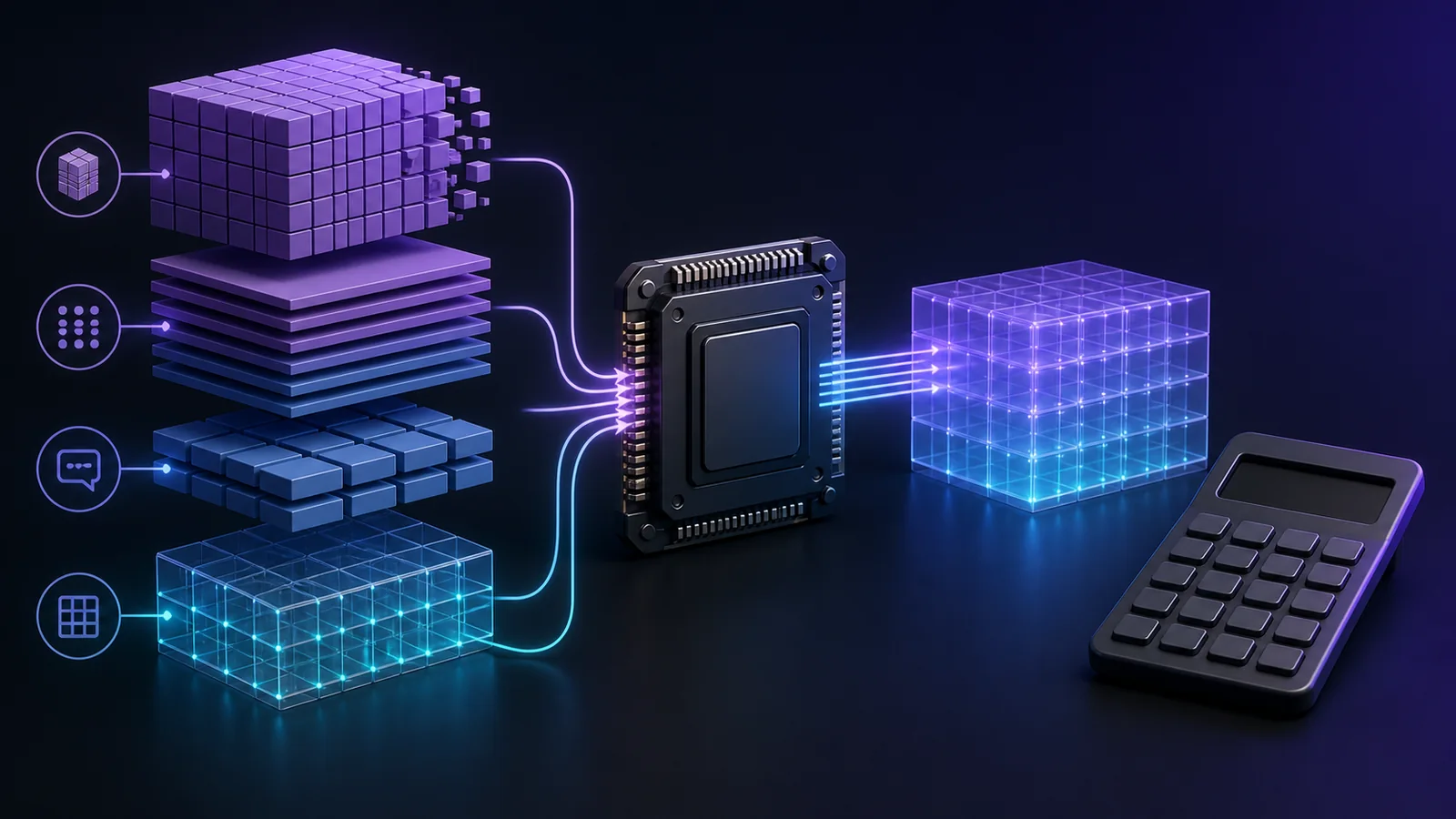
Estimate local LLM memory from parameters, quantization, context length, and runtime overhead before downloading a model.
Quick formula: model weight memory is approximately parameters × bits per weight ÷ 8. Then add the KV cache, compute buffers, runtime overhead, and any vision or audio encoder. A 14-billion-parameter model at a nominal 4 bits is about 7GB for raw weights, but a real GGUF file and loaded process will be larger.
Safe planning rule: do not choose a model whose file size equals your GPU capacity. For ordinary local use, reserve at least 15–25% of VRAM for context and runtime overhead; reserve more for long context, multimodal input, or a GPU that also drives your display.
VRAM estimator
Use this conservative worksheet before downloading:
Raw weights (GB) = parameters in billions × quantization bits ÷ 8.
Format overhead = add roughly 5–20% because practical quant formats store some tensors and metadata at different precisions.
KV cache = architecture-dependent memory that grows with context length and concurrent sequences.
Runtime reserve = add 0.5–1.5GB for compute buffers and the inference engine, then account for display use.
ParametersQ4 raw estimateQ5 raw estimateQ8 raw estimate 8B4.0GB5.0GB8.0GB 14B7.0GB8.75GB14.0GB 32B16.0GB20.0GB32.0GB 70B35.0GB43.75GB70.0GB
These are arithmetic baselines, not promised file sizes. For example, mixed quantization schemes such as Q4_K_M do not encode every tensor at exactly four bits. Check the actual file size on the publisher’s page.
Worked example: will a 14B Q4 model fit in 12GB?
Start with 14 × 4 ÷ 8 = 7GB. Add around 10–20% for the practical format, producing roughly 7.7–8.4GB. Add the KV cache and runtime reserve. With an 8K context, a typical package around 9GB can be workable on a 12GB GPU. At a much longer context, the same model can run out of memory.
This is why our 12GB VRAM model guide recommends starting with moderate context rather than copying the model’s advertised maximum.
Why context length changes memory use
During generation, the model stores attention keys and values for prior tokens. This KV cache generally grows with the number of layers, KV heads, head dimension, token count, cache precision, batch size, and parallel sequences. Grouped-query and multi-query attention can reduce the cache compared with traditional multi-head attention, so parameter count alone cannot predict it.
A simplified relationship is:
KV bytes ≈ layers × 2 × KV heads × head dimension × tokens × bytes per cache valueThe factor of two represents keys and values. Some runtimes support quantized KV caches, which lower memory use with possible quality or performance tradeoffs. Use the runtime’s own memory report for the final number.
GPU VRAM versus system RAM
With full GPU offload, weights and working memory stay in VRAM and generation is usually fastest. If the model exceeds VRAM, llama.cpp-compatible runtimes can place some layers in system RAM. That expands the models you can run but transfers data across the bus and often lowers speed. Unified-memory computers behave differently because CPU and GPU share a pool, but the operating system and applications still need part of that memory.
Your hardwareComfortable starting pointStretch option 8GB VRAM7B–8B Q4/Q512B Q4 with tight context or partial offload 12GB VRAM8B Q5/Q612B–14B Q4 16GB VRAM12B–14B Q520B–24B Q4 24GB VRAM24B–32B Q4Larger models with CPU offload
Continue with the dedicated 8GB, 16GB, or 24GB GPU recommendations after estimating your budget.
Q4, Q5, Q6, and Q8 in plain English
Q4: prioritizes compact size. It is often the way to fit a larger parameter class on a fixed GPU.
Q5: spends more memory for better weight fidelity and is a useful default when the model still fits fully on the GPU.
Q6: offers another quality step while remaining smaller than Q8; it works well for smaller models on roomy hardware.
Q8: is close to one byte per parameter before overhead. It is not automatically the best choice if it forces CPU offload or a smaller context.
Quantization can reduce accuracy. The llama.cpp project recommends evaluating quality through measures such as perplexity or KL divergence and documents the role of importance matrices. Avoid assuming every community quant was produced with the same process. See our deeper quantization format guide.
A five-minute pre-download checklist
Read the official model card for architecture, context, inputs, and license.
Open the exact quant file or runtime tag and record its real download size.
Subtract current GPU usage from physical VRAM; do not use the marketing number alone.
Choose an initial 4K or 8K context and one sequence.
Load the model, inspect reported allocations, and run a prompt representative of your work.
Increase context or quantization quality one step at a time.
Methodology and sources
The equations here are capacity estimates, not performance benchmarks. Actual allocations depend on the model architecture, backend, driver, cache type, and runtime version. We cross-check arithmetic against first-party package sizes when available and label estimates as estimates.
Last verified: August 13, 2026.
Frequently asked questions
How much VRAM does a 7B or 8B LLM need?
Raw Q4 weights are around 3.5–4GB, but a practical local session needs additional memory. A 6–8GB GPU is a common starting tier depending on context and runtime.
Why does a model run out of memory when its file is smaller than my VRAM?
The loaded process also needs the KV cache, compute buffers, format overhead, and memory used by the display and other applications. File size is only the first line of the budget.
Can I combine GPU VRAM and system RAM?
Many llama.cpp-based runtimes support partial GPU offload, so yes. It expands capacity but is usually slower than keeping all layers on the GPU.